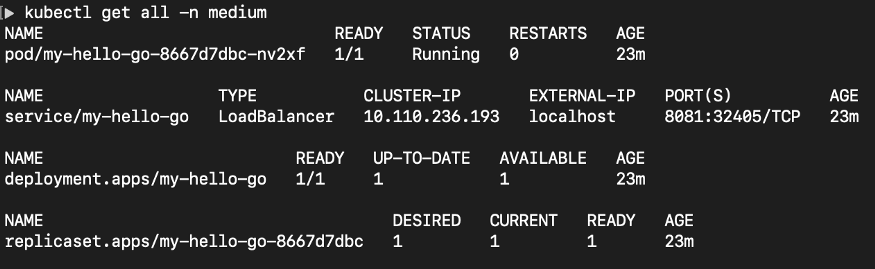
As you can see, we are referring an image with a particular tag to create a container inside a Pod. If you search this image you should be able to find it in Docker Hub. In that docker image page, it has mentioned what are the ports that are exposed and the service endpoints. So, when we package this Docker image inside our Helm chart, we have to make sure those services and endpoints are reachable using the given ports. That is why we override necessary details in the Helm chart values.yaml file.
Other than the values.yaml file, you have to update the deployment.yaml template as well to open the container port and the liveliness and readiness probes.
I believe now you got some understanding the connection between the Helm chart and the related Docker image. Now the time is to find the relationship with the Docker image and the service that runs inside it.
If you click on the docker image tag and the inspect the layers, you will be able to understand the details such as, service written using Go language, the version of the Go, exposed ports and so on. Following is the code used in Go application.