As you can see, these let you know how many changed files you need to pull, and as you probably already know, it’s good Git hygiene to pull these changes sooner rather than later!
Sharing working tree changes
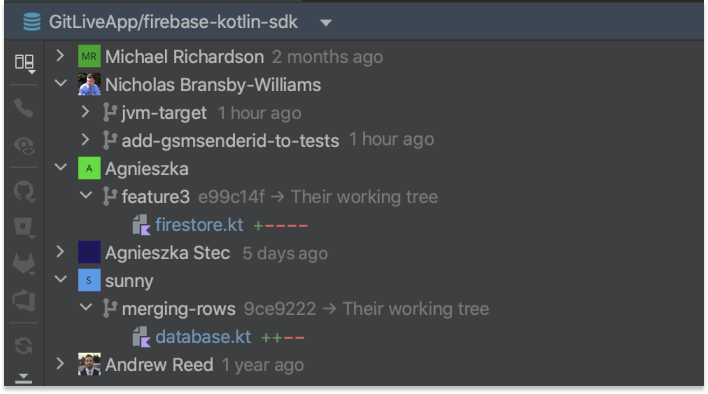
With GitLive you can see the unpushed changes from local clones of your repository when you have signed in and you and your fellow contributors have chosen to share working tree changes.
As mentioned above, GitLive performs what is known as a three dot diff between your local HEAD (on the left), and the heads of all the remote branches in your repository (on the right).
You can customize this diffing process by changing what is used as the left and right sides in the diff via the view options in the tool window toolbar in IntelliJ.







good
This comment has been removed.