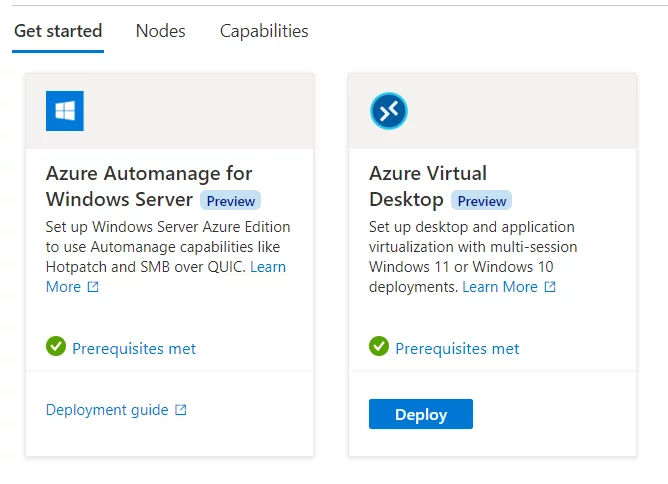
- Azure Stack HCI allows the implementation of an Azure Virtual Desktop (AVD) farm in an on-premises infrastructure for VDI scenarios.
- AVD allows for virtual machines to be run in pooled or personal mode with Windows Client or Windows Server operating systems, as well as publishing applications for users to use without local installation.
- The configuration requires the implementation of the Resource Bridge and the use of an ARM template for deployment.
- CPU count, RAM, number of instances, and VM name prefix need to be configured along with Virtual Network ID, Image ID, and Custom Location ID in JSON schema.
- Pre-publishing steps include the configuration of FSLogix and user profile management GPOs.
- The created pool must be assigned to a group of users in the Azure Virtual Desktop Application group.
- Azure Virtual Desktop for Azure Stack HCI is still in preview and final usage prices are not yet known.


Give a Pawfive to this post!
Share with your friends and followers
Start writing about what excites you in tech — connect with developers, grow your voice, and get rewarded.
Join other developers and claim your FAUN.dev() account now!


