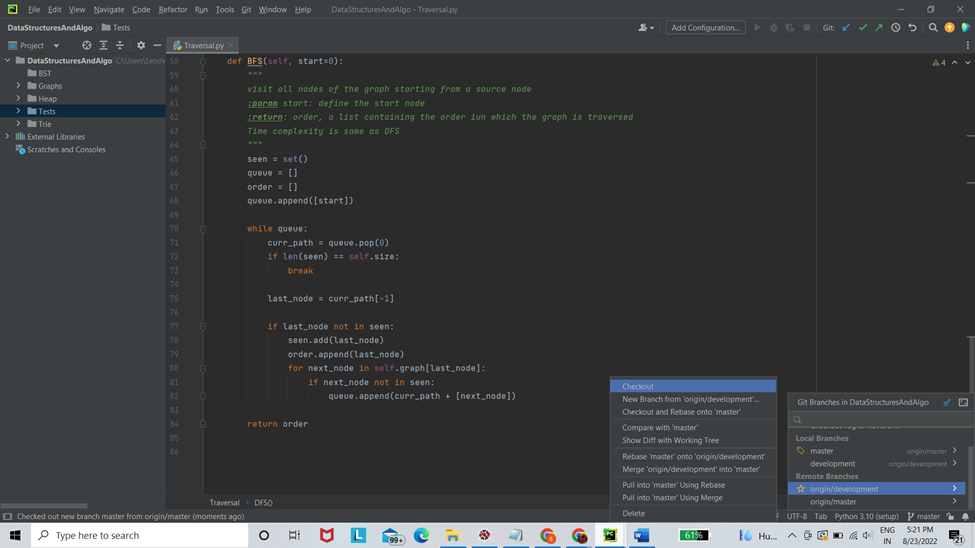
There are so many things which you can add to your README.md file that are customized to your project. Adding a Directory Structure with short descriptions of what each directory and file contain along with an installation guide usually works well as a starting point. Don’t forget to use Markup language efficiently to make the README file , well, more readable!
Merge development branch with main/master branch
Phew! We are almost there, I promise! So far, we have pushed our code to the “development” branch and we are happy with what it looks like. We now need to merge it with the “main/master” branch, because that is the official branch of the project that the user will install and use.
As developers , you would often need to get your code approved by a reviewer which could be your team lead or a collaborator or the original developer of the code. “Pull Requests” are used to let the reviewer know that you have made some changes to the code and would like to merge the updates to the official branch. Once the reviewer accepts them or sees no conflicts with existing working version of the code, your updates will be accepted and merged into the main/master branch .
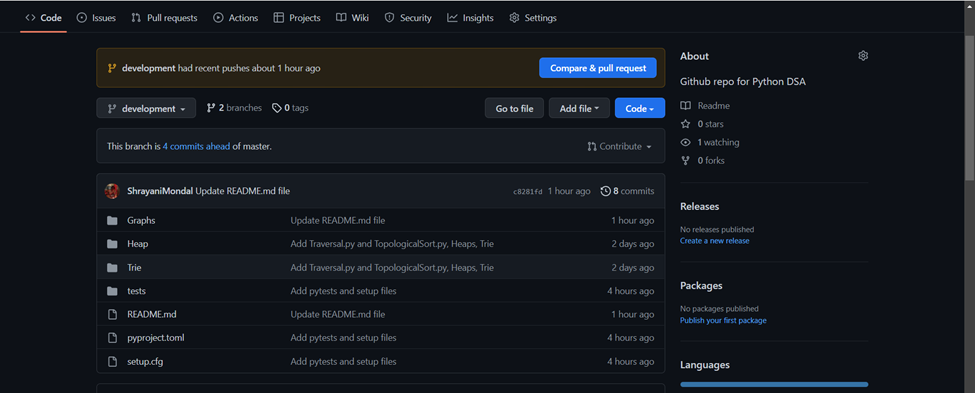
For instance, if you go to the repository now you should see a button with text “Compare & Pull request”. You can either click on that or create a new pull request by clicking on “Pull requests” .