The Basics: What Can You Do With The Help Of This Integration?
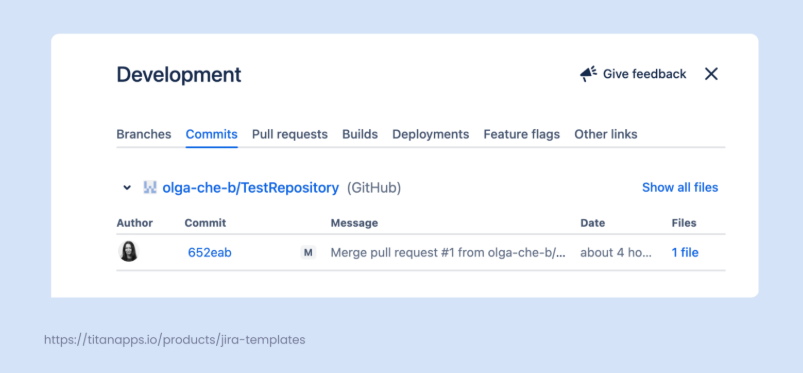
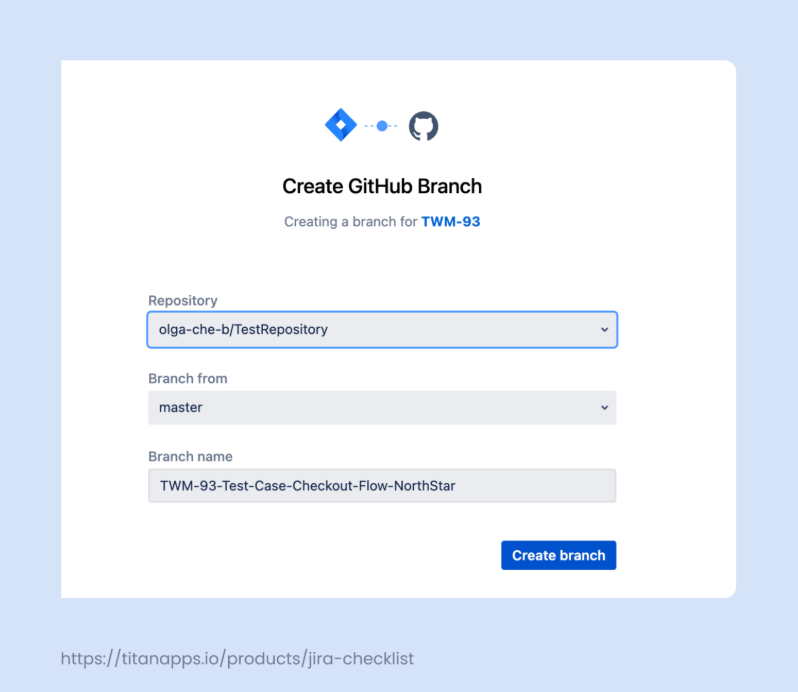
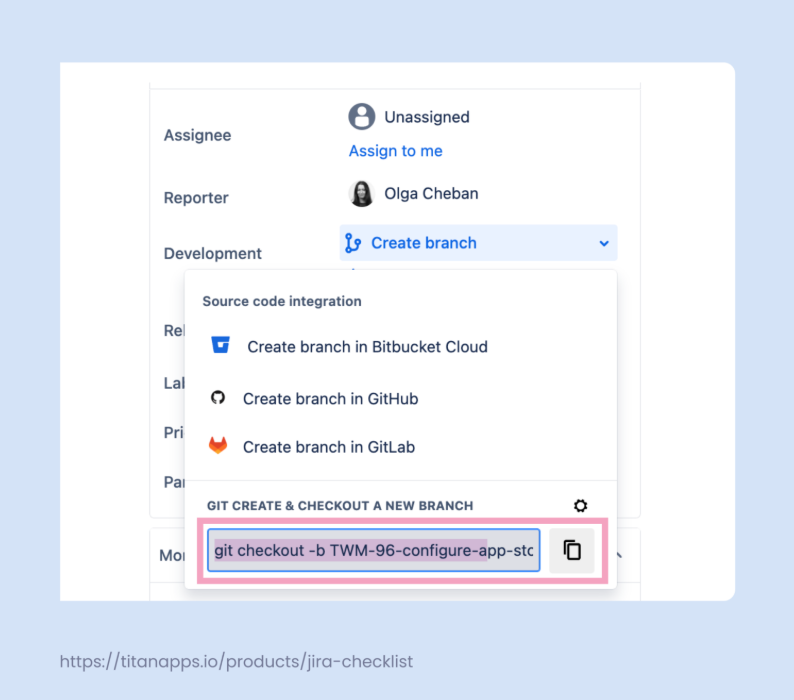
Connecting your Git repositories to Jira creates an important link between a Jira ticket and your code. With real-time synchronization between the two platforms, you avoid the need to switch back and forth and write updates manually. The key actions in your Git app will be reflected in the corresponding Jira ticket. You simply need to mention its issue key/work item key when creating a new branch, commit, or pull request.
In particular, you will be able to:
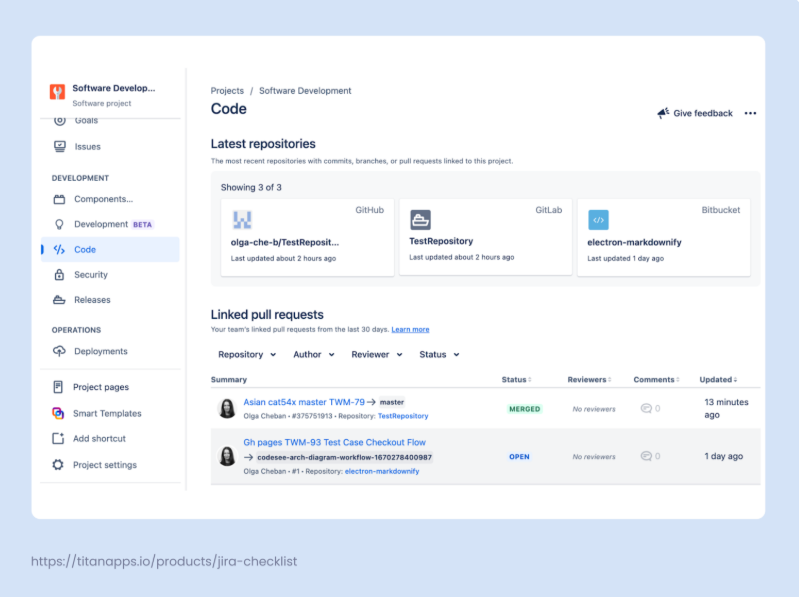
- View commit history, branch, and pull request details in Jira
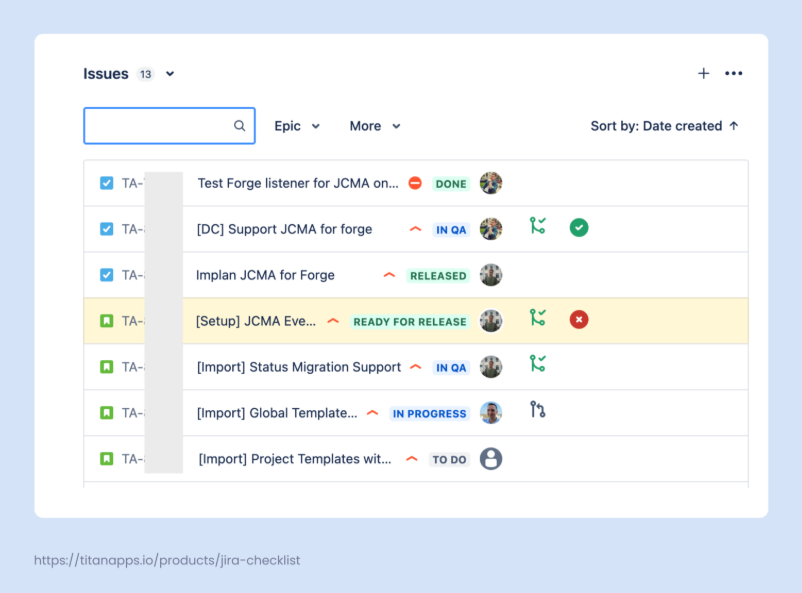
- Check pull request statusesdirectly from your Jira board
- Quickly access a pull request or branch from the ticket details
- Automatically update work statuses based on Git activity
- Add comments and log work in Jira directly from your Git app
- Get more context for code changes with business details from Jira
The key benefits of setting up a Git and Jira integration include:
- Less context switching: You can seamlessly move from Jira to your Git app if needed, or you can just manage your Jira work items without leaving your Git platform. This is much more efficient and improves focus.
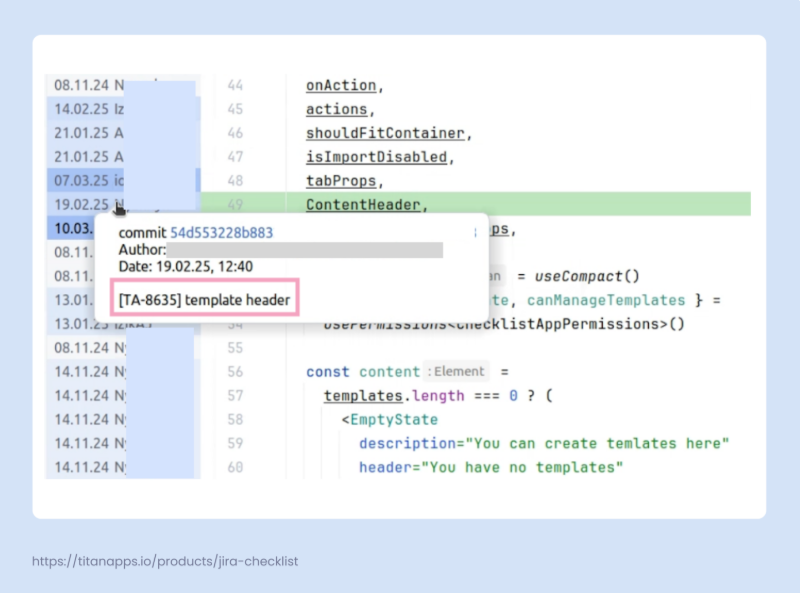
- Transparency: This integration helps keep everything organized and transparent. A product manager can see what was done for each work item without leaving Jira. In turn, developers can gain more context for old code changes by checking which Jira tasks they are related to: