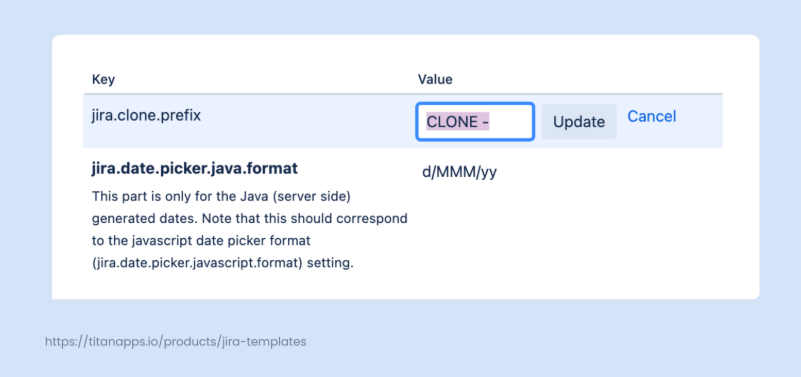
The Basics of Cloning in JIRA: What is it and Why is it Useful?
The term refers to the process of duplicating an existing Jira issue (or work item), resulting in the creation of a new issue with identical details.
Typically, information such as the issue description, summary, and type is copied to the new issue. Other elements, such as comments or history, are not transferred. The most common reasons for cloning include reusing typical tasks, creating similar issues, or assigning a task to multiple teams.
Benefits of Issue Cloning in Jira:
- Time optimization – instead of filling in issue details manually, you can re-use the structure from a similar issue. With recurring tasks, cloning significantly boosts efficiency.
- Linking issues automatically – related or similar issues are linked automatically with the Clones/Cloned by link type. This helps you keep your work in Jira organized.
- Issue standardization – when copying, you preserve the issue structure and can use it as a basis for new work items. You will only need to change the details that are different for the new issue.
How to Clone an Issue Within the Same Project
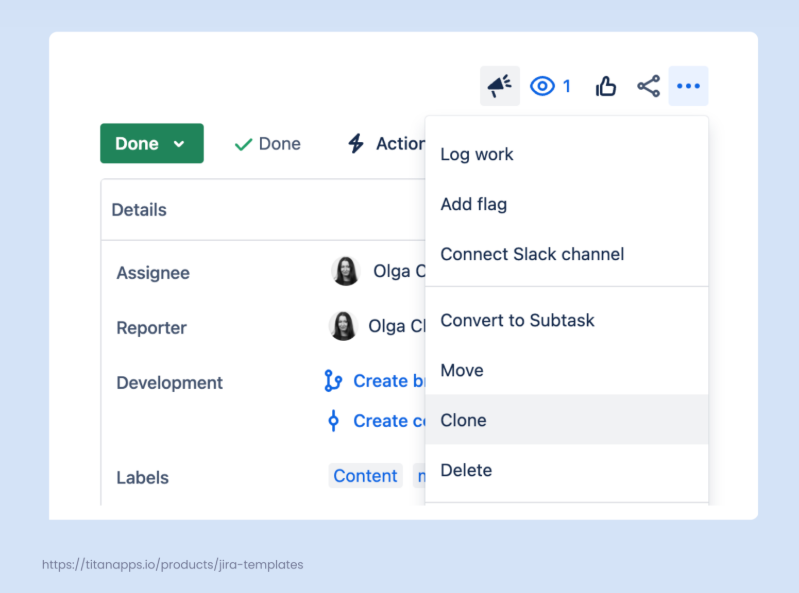
This type of cloning in Jira is quite straightforward. Open the issue you want to clone, click the three dots in the upper right corner, and select Clone.
In the pop-up window, you will see a list of additional items to include in the cloned issue (if any). In particular, these can be:
- Attachments
- Child issues
- Links
- Sprint value
- Custom fields