Join us

ContentUpdates from GitLive...
 Activity
@kaptain added a new tool Hadolint , 2 months, 1 week ago.
 Activity
@varbear added a new tool Bandit , 2 months, 1 week ago.
 Activity
@devopslinks added a new tool JFrog Xray , 2 months, 1 week ago.
 Activity
@devopslinks added a new tool OWASP Dependency-Check , 2 months, 1 week ago.
 Activity
@varbear added a new tool pre-commit , 2 months, 1 week ago.
 Activity
@devopslinks added a new tool GitGuardian , 2 months, 1 week ago.
 Activity
@devopslinks added a new tool detect-secrets , 2 months, 1 week ago.
 Activity
@devopslinks added a new tool Gitleaks , 2 months, 1 week ago.
Course
@eon01 published a course, 2 months, 1 week ago
Founder, FAUN.dev

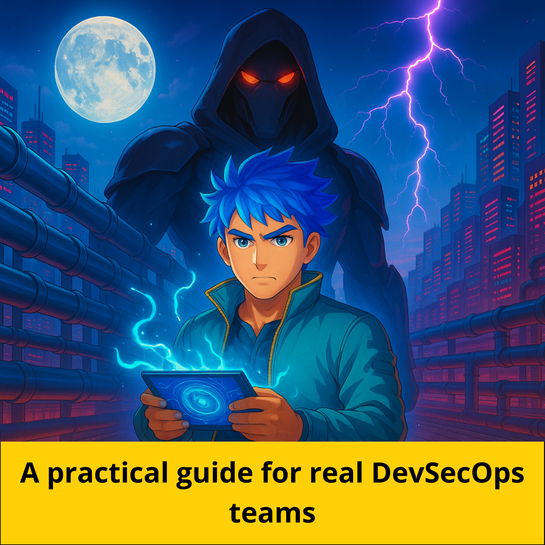
DevSecOps in Practice

TruffleHog Flask NeuVector detect-secrets pre-commit OWASP Dependency-Check Docker checkov Bandit Hadolint Grype KubeLinter Syft GitLab CI/CD Trivy Kubernetes

A Hands-On Guide to Operationalizing DevSecOps at Scale

DevSecOps in Practice

Story
@tairascott shared a post, 2 months, 1 week ago
AI Expert and Consultant, Trigma

How Do Large Language Models (LLMs) Work? An In-Depth Look

Discover how Large Language Models work through a clear and human centered explanation. Learn about training, reasoning, and real world applications including Agentic AI development and LLM powered solutions from Trigma.
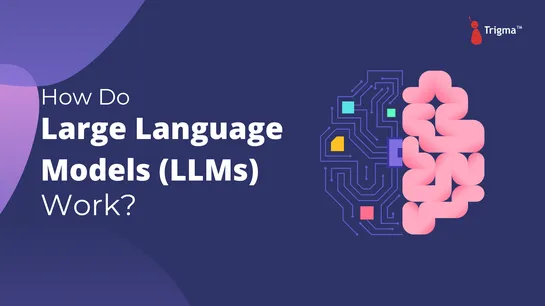
How do Large Language Models (LLMs) Work Banner
GitLive helps you and your fellow contributors merge faster by avoiding conflicts and encouraging eager and continuous code review directly inside the IDE.

🔸 Do not let merge conflicts break your flow

Indicators in the gutter of your editor show the changes others are making. Computed from all active branches, the indicators update as you and your team code together.

Get notified the moment you make a change that conflicts with another branch. Compare their changes to your own and cherry‑pick individual changes directly into your local files.

🔸 Get the ultimate perspective on all work in progress

Perform eager and continuous code review directly in your IDE with the team view. See who is online, their active branches and changes in a single repository or across your organization, updated in real‑time.

Get notified when you fall behind the main branch or your tracking branch. Inspect the changed files in the repository view to know if they will merge cleanly with your own local changes before you pull.

🔸 Let your team know what you are working on

Connect your issue tracker to see each other's current issue in the team view. The issue you are working on is determined by your current branch and updates automatically.

View your current issue and select another issue to work on via the status bar. Switching issues will check out an existing feature branch or create a new one for you if needed.